
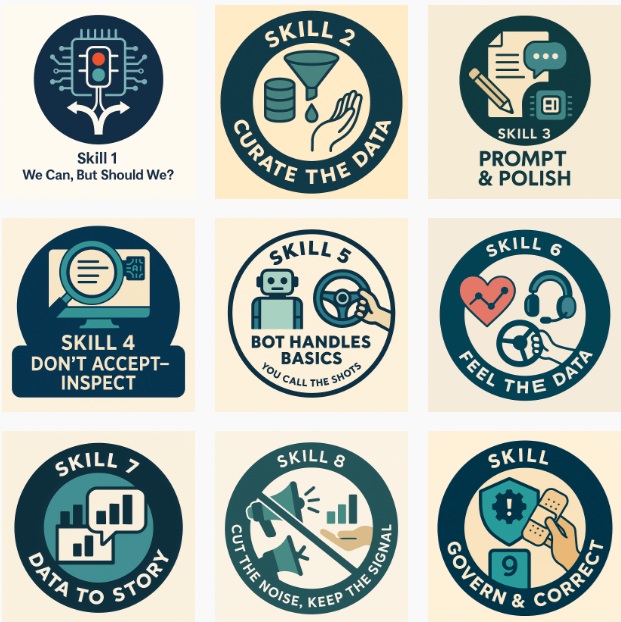
Business Physics AI Lab Analysis of How we Prepare our Students for Human-AI Complementarity: Skills, Framework and Future of Work. In order to simulate the Human Workflow and Interaction with AI we have used the following three-fold Base:
To identify the 10 critical skills for 2025–2030, we build on the World Economic Forum’s Future of Jobs 2025 report, Stanford’s 2024 human–AI role study, and bibliometric analysis of 217 AI jobs taken from Indeed Canada during July 2025 as well as Workflow Job Task Mapping using over 100 simulations of AI Resilient as well as Non-Resilient Careers.
During the course of these simulations we have collectively organized skills into what we call REACT framework, a scaffolding of themes designed to address the real challenges of human–AI work.
REACT Framework — Guiding Responsible Human–AI Collaboration
- R — Reason to use / not use AI
Define the purpose and expected benefit before involving AI in the task. - E — Evidence acceptance & verification plan
Decide in advance how AI outputs will be checked, validated, and accepted. - A — Accountability
Identify who owns the decision, the work output, and the consequences. - C — Constraints
Clarify ethical, integrity, privacy, and compliance boundaries for AI use. - T — Tradeoffs
Weigh speed, quality, and judgment impacts when balancing AI and human effort.
The 10 Skills of Human–AI Complementarity
AI is not a magic button. It is a power tool that multiplies the value of good judgment, clean inputs, and clear intent. The aim of these 10 skills is simple: keep humans in charge of meaning and decisions while using AI to speed up the boring bits, surface options, and sharpen thinking.
Learning Objective Badges




Theme 1 – Know When to Hit Pause
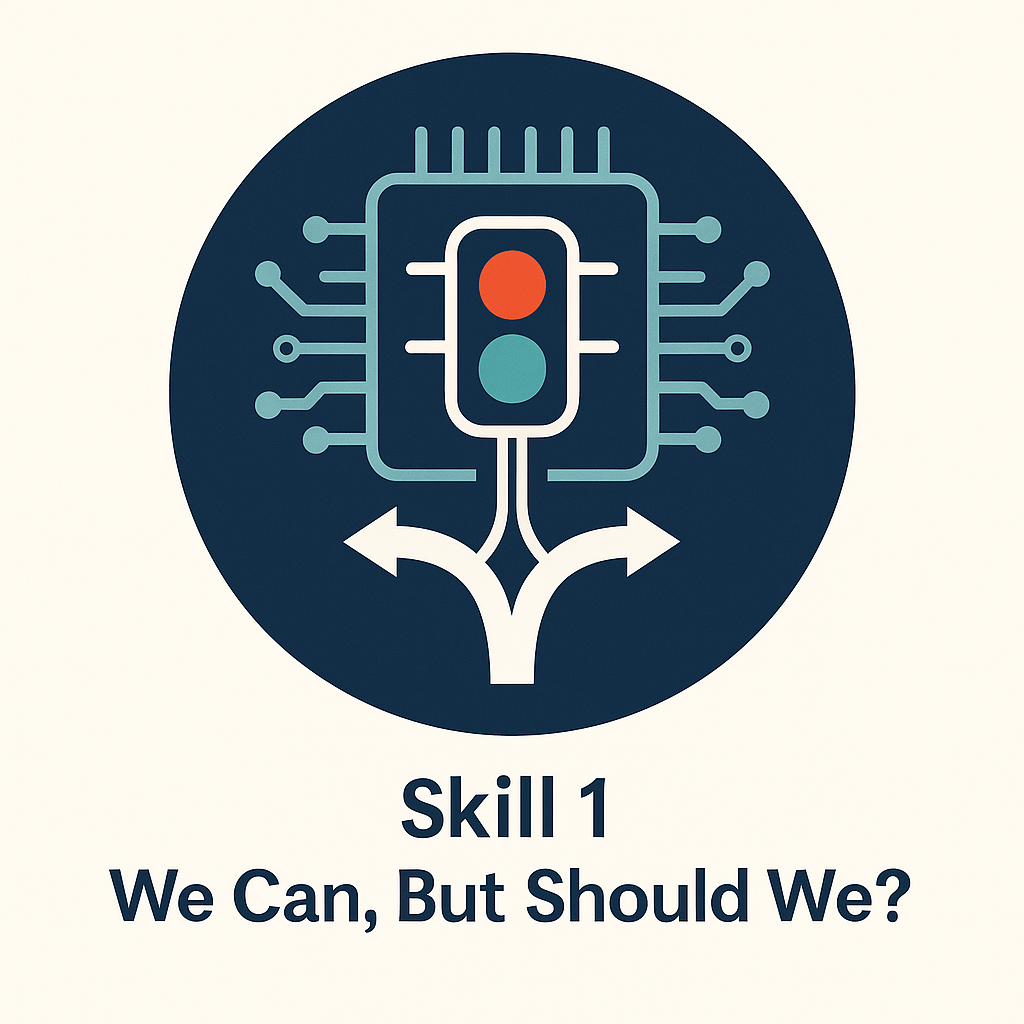
1) We Can… But Should We?
What it is
A deliberate checkpoint before you touch AI. Decide whether a task should be automated or assisted at all, based on purpose, ethics, and value.
Why it matters
It prevents misuse, protects integrity, and avoids offloading work where human judgment is essential.
How to apply
Ask three quick questions: What is the goal? Who will use this? What risks exist? If any answer is fuzzy, pause and clarify.
What good looks like
A short rationale that states why AI is or is not appropriate, captured in the project notes.
Common pitfalls
- Jumping in without reflection.
- Using AI for convenience instead of necessity.
Quick exercise
Write a 3-line “why/for whom/risks” note before every AI task this week.
Theme 2 – Build the Right Foundation
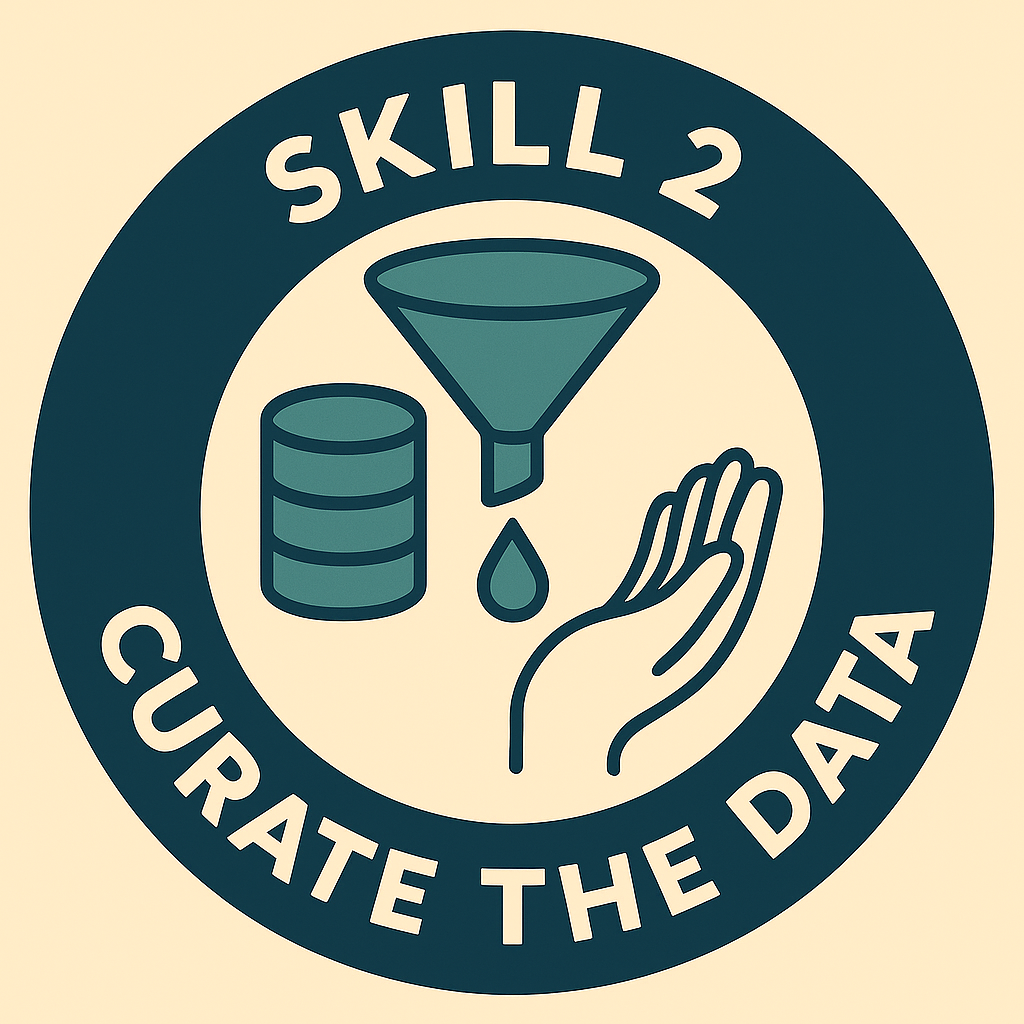
2) Curate the Data
What it is
Input quality control. Verify that data, prompts, and source materials are accurate, relevant, and aligned.
Why it matters
Garbage in, garbage out is amplified with AI. Misaligned inputs produce misleading outputs.
How to apply
- Define key terms in plain language.
- Check freshness and provenance.
- Remove duplicates and obvious outliers.
- Note known gaps and risks.
What good looks like
A one-page input spec: cleaned data, clear definitions, sources, and visible risks.
Common pitfalls
- Ignoring conflicting definitions across teams.
- Assuming inputs are valid because they look tidy.
Mini checklist
Definitions aligned • Sources logged • Dates verified • Sensitive data handled • Known gaps listed
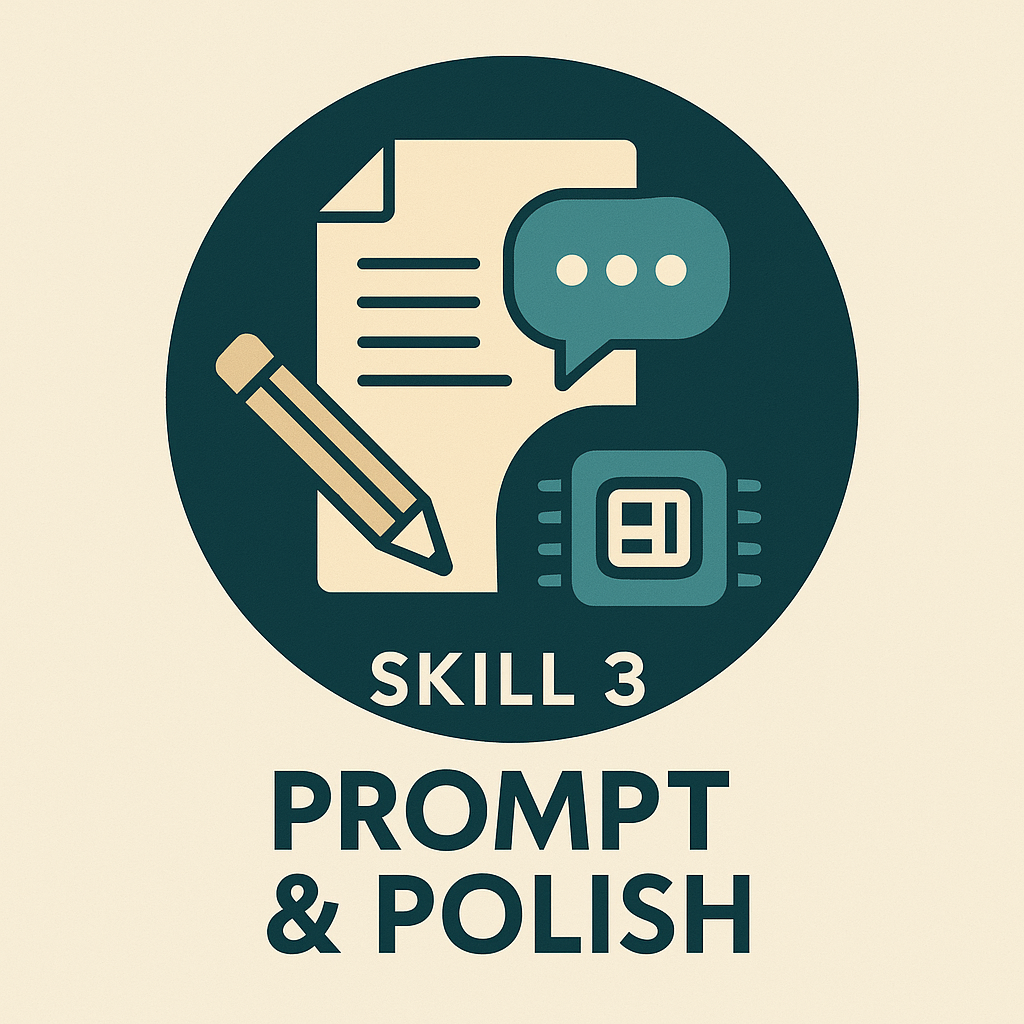
3) Prompt & Polish
What it is
Use AI to draft quickly, then apply human standards to refine.
Why it matters
AI generates options at speed. Humans add context, priorities, and nuance.
How to apply
- Ask for 3 variations with clear constraints.
- Compare, merge, and rewrite in your voice.
- Re-prompt for gaps, not for perfection.
What good looks like
A refined draft that notes which sections were human-edited and why.
Common pitfalls
- Accepting raw output.
- Forgetting to set constraints like audience, length, or tone.
Mini technique
“Give me 3 outlines, each with a different structure. I will combine and refine.”
Theme 3 – Keep the Power in Human Hands
4) Don’t Accept — Inspect
What it is
A structured review for accuracy, bias, and clarity.
Why it matters
AI makes confident mistakes. Inspection keeps truth and accountability with humans.
How to apply
- Ask the AI to critique its own output against a checklist.
- Spot-check facts with independent sources.
- Mark what you changed and why.
What good looks like
A tracked-changes version or comment log that shows verification.
Common pitfalls
- Trusting polished language.
- Skipping checks when rushed.
Inspection checklist
Factual accuracy • Source support • Bias scan • Readability for the audience • Actionability
5) Bot Handles Basics, You Call the Shots
What it is
Delegate routine work to AI. Keep strategy, framing, and sequencing firmly human.
Why it matters
You save time without surrendering ownership of meaning or decisions.
How to apply
- Assign formatting, summaries, and first-pass drafts to AI.
- Humans decide goals, order, emphasis, and trade-offs.
- Record the final decision owner by name.
What good looks like
A task split where the AI’s work is clearly labeled and the human decision is explicit.
Common pitfalls
- Letting AI suggest the decision instead of the options.
- Over-delegating until nobody knows why a choice was made.
Agency guardrail
“The AI proposes. I dispose. Final call by: <name>.”
Theme 4 – Make Meaning Out of Messy Data
6) Read Between the Lines of the Data
What it is
Add human context to statistical summaries.
Why it matters
AI can see patterns but not real-world causes, incentives, or constraints.
How to apply
- Ask what else could explain the trend.
- Check seasonality, promotions, policy changes, or one-off events.
- Contrast with a control or baseline.
What good looks like
Insights that link numbers to events and constraints that actually happened.
Common pitfalls
- Treating correlation as causation.
- Ignoring off-platform factors.
Context prompts
“What non-data factors could explain this?” • “What changed in the environment?”
7) Data to Story
What it is
Turn results into actionable narratives and decision points.
Why it matters
Leaders need clarity, not a data dump.
How to apply
- Answer three questions: What happened? Why? What next?
- Present options with trade-offs.
- Tie each recommendation to business value and risk.
What good looks like
A concise brief with 1 recommendation, 2 alternatives, and the conditions that would change your choice.
Common pitfalls
- Overloading slides with charts.
- Forgetting to state a clear next action.
One-page decision memo
Purpose • Findings • Options • Recommendation • Risks • Next steps
8) Cut the Noise
What it is
Filter out distractions. Keep only what drives action.
Why it matters
Too much information slows or derails decisions.
How to apply
- Choose 3 to 5 metrics that truly matter for the current goal.
- Archive the rest for reference.
- Review the shortlist each month.
What good looks like
A reduced dashboard that links each metric to a decision or owner.
Common pitfalls
- “Just in case” metrics.
- Confusing comprehensive with useful.
Signal test
If a metric cannot change a decision, it does not belong on the dashboard.
Theme 5 – Lead the Change — Don’t Get Left Behind
9) Govern & Correct
What it is
Build ethics, accessibility, fairness, privacy, and accountability into the process.
Why it matters
Unchecked AI can replicate bias and exclude people. Good governance protects users and the organization.
How to apply
- Run fairness and accessibility checks.
- Log prompts, versions, and decision ownership.
- Respect data minimization and consent.
- Capture how concerns were addressed.
What good looks like
A satisfied checklist before sign-off and an audit trail that shows who did what, when, and why.
Common pitfalls
- Treating governance as a last-minute task.
- No documentation of trade-offs.
Starter checklist
Privacy • Security • Accessibility • Bias review • Explainability • Human accountability
10) Learn on the Fly
What it is
Use AI to accelerate your learning loop, then codify what you learn.
Why it matters
AI evolves quickly. Teams that learn faster adapt faster.
How to apply
- After each project, log what worked, what failed, and the prompt patterns that helped.
- Turn improvements into small playbooks.
- Schedule a monthly “pattern share” session.
What good looks like
A living playbook of prompts, checklists, and examples that gets updated after every cycle.
Common pitfalls
- Shipping and moving on without reflection.
- Failing to transfer learning across teams or projects.
Learning loop
Try → Inspect → Adjust → Codify → Share
 English
  Arabic
  Chinese
  French
  Hindi
Hindi  Portuguese
  Spanish